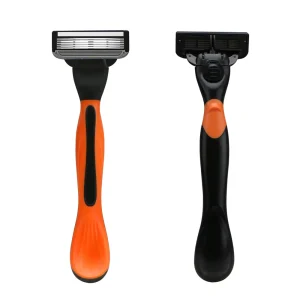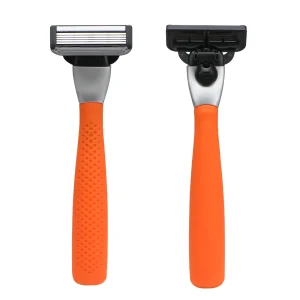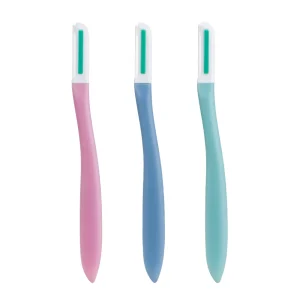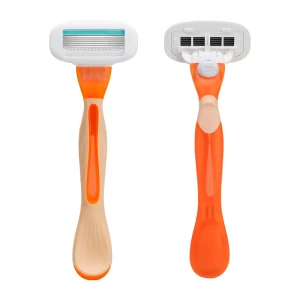







A Razor order can be ready for assembly while its packaging is still waiting for approval. The brand has approved the design, the printer needs a corrected barcode, and the importer is requesting another language panel. Each comment may be reasonable, but when decisions arrive separately, the same file is revised repeatedly. Printing slots move, cartons remain unavailable, and the planned launch loses time. The solution is a shared workflow that makes product data, responsibilities, proofs, and revision status visible before production begins. A structured razor packaging artwork approval process lets the buyer, Manufacturer, and packaging Supplier resolve questions in sequence, approve one controlled version, and move from an attractive design to a pack that is ready for retail distribution.
A qualified Supplier must provide a controlled dieline, confirmed product data, barcode checks, approved language copy, print proofs, and written production-release records. For Haward’s Customizable OEM and ODM Razor projects, effective razor packaging artwork approval connects buyer decisions with printer requirements and one identifiable production version.
Packaging managers, brand buyers, importers, and engineering wholesalers should continue. The following workflow explains the approval details experienced procurement teams use to keep projects moving: who confirms each item, which checks require physical packaging, and how a clear revision record supports timely printing, assembly, and repeat orders across multiple markets.
Start with the Exact Razor and Pack Configuration
Build the Artwork Brief Around Confirmed Product Data
Before a designer places a logo, confirm what the customer will receive. A five-blade Razor is different from a pack containing five razors. A starter kit described as one handle plus two cartridges must make clear whether the attached cartridge is included in that total.
The razor artwork checklist should begin with an approved product record:
- SKU and product revision: the exact Razor, cartridge, cap, and handle combination.
- Pack contents: quantities, accessories, and compatible refill references.
- Packaging format: display card, blister, folding carton, pouch, or gift box.
- Sales scope: countries, retail channels, and required language versions.
- Brand assets: logo files, color references, product photographs, and approved claims.
For an OEM program, connect this record to the selected platform. For an ODM development, confirm which product details are frozen before completing the artwork. The Manufacturer can then compare the design with the physical item, while the buyer checks that the presentation matches the intended retail offer.
Assign Approval Responsibilities Before Files Start Circulating
Give Each Decision a Named Owner
A clear responsibility map reduces repeated questions. The buyer coordinates brand and market decisions; the Manufacturer confirms product and assembly information; the packaging converter confirms print feasibility. These workflow assignments do not replace the parties’ applicable legal obligations.
| Approval Item | Buyer or Importer | Manufacturer or Packaging Supplier | Required Record |
|---|---|---|---|
| Dieline and fit | Confirm retail format and presentation | Validate dimensions, assembly, and product clearance | Numbered structural drawing |
| Copy and languages | Approve market wording, translations, and claims | Check consistency with actual Razor specification | Approved copy sheet |
| Barcode | Confirm identifiers and channel requirements | Check artwork construction and printed quality | Identifier record and verification report |
| Print and release | Approve appearance and authorized quantity | Confirm production feasibility and correct file use | Signed proof and release record |
Nominate one buyer coordinator to combine comments from marketing, compliance, and procurement. The Supplier should return one consolidated response identifying open questions. This makes a Customizable project easier to manage across different time zones and avoids competing instructions reaching the printer.
Approve the Dieline and Complete Preflight Checks
Confirm Structure Before Polishing the Graphics
A dieline defines cutting, folding, sealing, and other structural boundaries. Use the converter’s controlled drawing at 1:1 scale, with dimensions and orientation stated. Confirm that a protected Razor fits without forcing the cap, bending the display card, or pressing against the lubricating strip.
Ask the printer to specify bleed, safe areas, color settings, image resolution, and font handling. A requested 3 mm bleed, for example, is a printer-specific production parameter, not a universal packaging rule or barcode quiet-zone allowance.
- Separate nonprinting cutting and folding guides from printable artwork.
- Check hang holes, glue flaps, seals, and product-retention areas.
- Embed fonts or use the printer’s agreed alternative.
- Confirm the required PDF settings and retain the editable source file.
Adobe’s preflight guidance covers checks for fonts, colors, transparency, resolution, and other print conditions. Use a preflight report to document technical readiness; copy and market approval remain separate review tasks.

Approve Barcode Identity Before Approving Barcode Appearance
Connect Every Identifier to the Correct Trade Item
A reliable barcode approval workflow starts with the number and the product record. The brand owner or authorized identifier holder should confirm the GTIN assigned to each retail item. Internal SKU codes, retail identifiers, and shipping-unit identifiers serve different purposes and should be mapped explicitly.
Record the product description, pack count, market version, barcode type, and approved digits in one register. The printer should work from that register rather than retyping a number from a screenshot.
- Confirm that the encoded value matches the approved identifier.
- Check the check digit and human-readable information.
- Agree the symbol required by the retailer or distribution channel.
- Review identifier allocation when contents or other relevant product details change.
The GS1 GTIN Management Standard requires a new GTIN when the legally required declared net content changes. Changing a refill pack from four cartridges to six therefore needs an identifier review as well as new artwork. An artwork revision number does not perform that identification function.
Verify Barcode Quality on Finished Packaging
Assess the Printed Symbol in Its Actual Reading Conditions
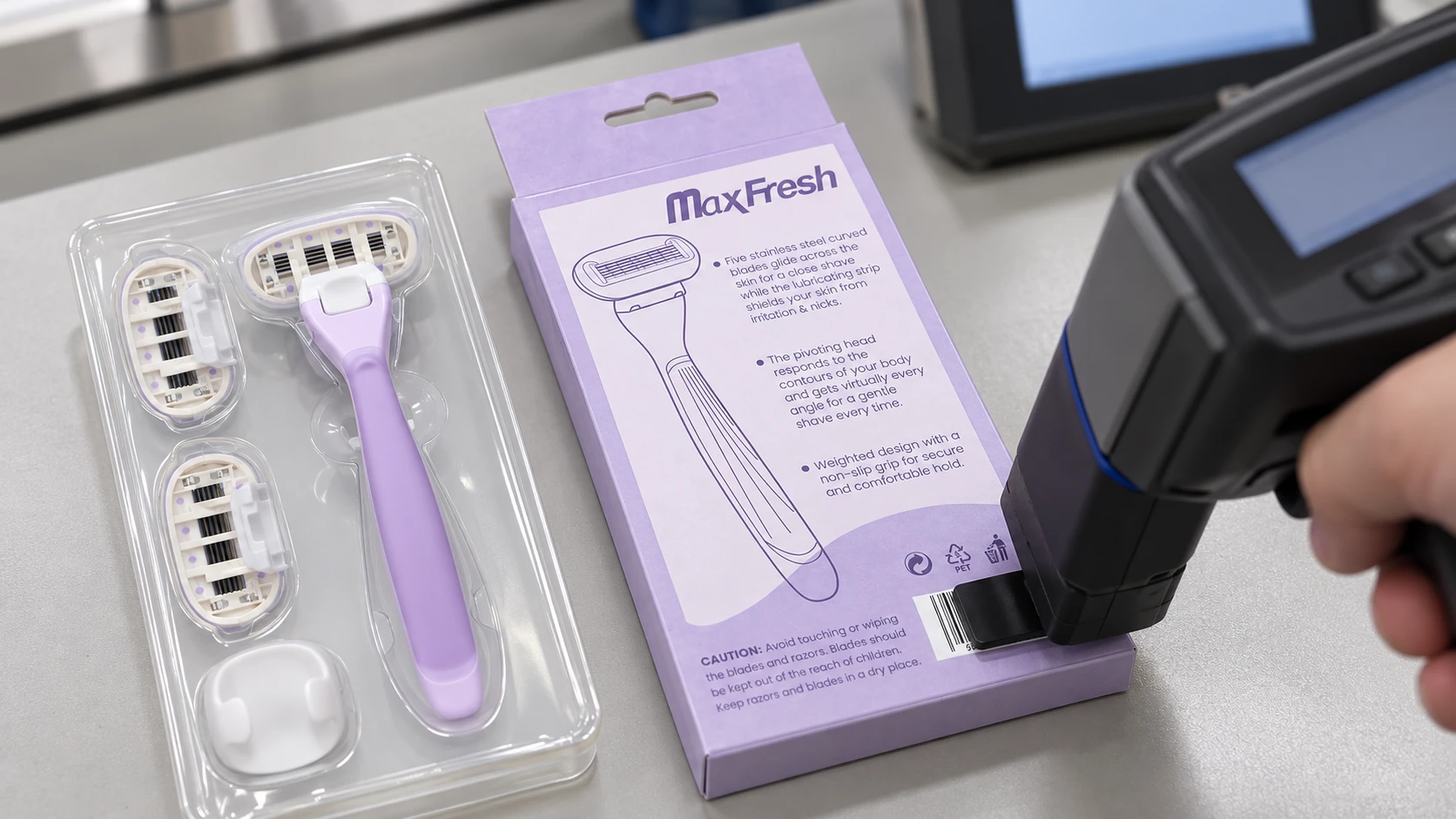
The next step in the barcode approval workflow is print quality. A correct number can still become difficult to read if the barcode is distorted, placed across a fold, or partly covered by a sealing seam.
GS1’s barcode-quality guidance identifies symbol dimensions, height, quiet zones, contrast, positioning, and packaging interference as important checks. Assess the final card, carton, or pouch after the relevant coating, wrapping, and forming operations.
- Keep quiet zones free from graphics, text, and structural interference.
- Preserve the required proportions and height when placing the symbol.
- Evaluate reflective finishes, curved surfaces, wrinkles, and transparent film.
- Request a verification report against the applicable GS1 specification.
GS1 explains that a compliant barcode verifier measures symbol parameters and reports a grade. A successful phone scan is useful feedback, but it is not that measurement. Agree the required grade and production-check frequency with the channel and printer instead of assuming one universal threshold.
Review Languages and Destination Requirements Before Layout Freeze
Approve the Wording in the Final Layout
Multilingual razor packaging needs a controlled copy sheet linking each source phrase to its translation, market, and reviewer. The buyer should confirm terminology for disposable razors, replacement cartridges, pack quantities, compatibility, and applicable safety information. Translation and market-compliance review require their own approvals.
For EU-bound products, the European Commission’s GPSR business guidance addresses product identification, economic-operator details, and required safety information. Where instructions or safety information are required, the language must be easily understood by consumers as determined by the destination Member State. Confirm where each item must appear.
For Canada, check product identity and quantity wording against the Competition Bureau’s packaging and labelling guide, including applicable bilingual requirements and exceptions. The importer should also check relevant provincial requirements.
- Review translations after layout, including line breaks and missing characters.
- Check readability at the actual printed size.
- Verify contact details, traceability fields, and supported claims.
- Use certification marks only with the required authorization and applicable scope.
Customizable multilingual razor packaging should receive approval for its specified markets.
Use the Right Proof for Each Approval Decision
Separate Content, Color, and Physical-Pack Checks
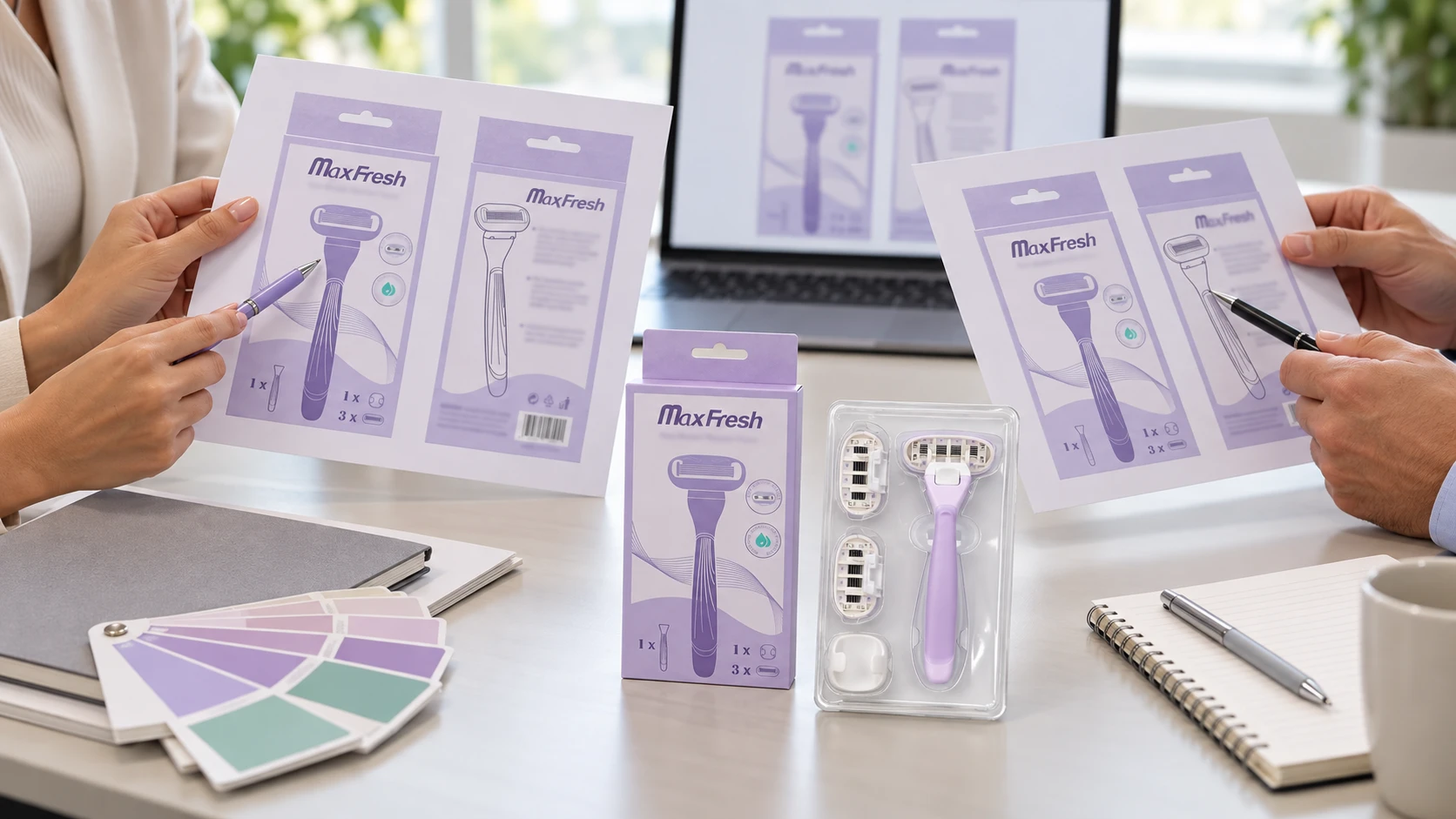
A PDF proof is convenient for checking wording and layout. A color proof addresses an agreed color reference. A finished packaging sample shows how the design works after printing, coating, cutting, folding, and packing. Record which of these checks each proof actually supports.
For a Razor gift box or printed blister card, the same artwork can look different on different substrates. Agree the board or film, printing process, finish, reference sample, and viewing conditions before judging color consistency.
- Content approval: product information, languages, identifiers, and required statements.
- Color approval: agreed brand colors under defined proofing conditions.
- Physical-pack approval: fit, folds, opening features, visibility, and protection.
- Production feasibility: the converter’s confirmation that the approved result can be reproduced.
Keep the approved sample linked to its file revision. When the Supplier changes paper, film, ink, or finishing conditions, assess which approvals need renewal. This helps the Manufacturer preserve the buyer’s intended presentation through an OEM or ODM production run.
Control Revisions with One Identifiable Release File
Make Changes Easy to Review and Trace
A practical razor packaging artwork approval system uses one controlled location and a clear file-naming rule. An illustrative name such as HW-RZ01-2PK-ENFR-R03.pdf identifies the product, pack, language set, and revision. The example is a naming convention, not a Haward SKU specification.
Every resubmission should include a short change log. List the affected panel, previous text or layout, requested change, and reviewer. Consolidated comments help the printer update the correct file without reconstructing instructions from several messages.
- Distinguish draft, under-review, approved, and obsolete status.
- Recheck affected languages, identifiers, and structural areas after changes.
- Keep superseded files out of the active production folder.
- Link the approved PDF and editable source to the same revision record.
For changes after approval, connect the workflow to Haward’s supplier change-notification guide. Record the first affected order or lot and the disposition of earlier printed stock. This controls revision mix-ups and obsolete packaging exposure while allowing planned improvements.
Build Approval Time into the Launch Schedule
Plan Around Complete Inputs and Named Response Dates
Schedule artwork review as part of procurement. Start the clock when the required product data, structural files, copy, and identifiers are complete. The following sequence is an illustrative planning example, not a Haward lead-time commitment.
| Stage | Example Duration | Completion Evidence |
|---|---|---|
| Structural review | 2 working days | Approved dieline and fit review |
| Copy, language, and identifier review | 3 working days | Consolidated buyer approval |
| Print preflight | 1 working day | Resolved technical findings |
| Physical proof preparation and review | 3 working days | Approved proof and required checks |
| Release confirmation | 1 working day | Authorized file, quantity, and print order |
| Total sequential example | 10 working days | Excludes courier transit, rework, and bulk printing |
Agree the actual durations with the converter and reviewers. Adding another language after proof approval may require layout changes and renewed checks. Reconfirm the print slot and shipment plan when that happens. Clear response dates make launch-delay exposure visible without turning every correction into an emergency.
Connect Written Approval to Printing and Packing
Release the Specified Version and Verify Its First Use
The final razor artwork checklist should produce an unambiguous release instruction. Identify the SKU, market, dieline, artwork revision, substrate, finish, approved proof, quantity, and purchase order. An approval that leaves essential wording unresolved should remain conditional until those points are closed.
- Confirm buyer content approval and converter technical acceptance.
- Issue the controlled production file and approved proof reference.
- Check first printed output against the released version.
- Verify incoming packaging and complete line clearance before packing.
- Trace packaging lots to the finished Razor order.
Agree any permitted print overrun and the treatment of unused stock before placing the packaging order. For repeat orders, reconfirm that product contents, market details, and the approved file remain current.
For Haward Customizable OEM and ODM projects, this handover links design decisions to physical production. The buyer receives a clear release record, the Manufacturer has a consistent packing reference, and the Supplier knows which version and quantity to produce.
Prepare Your Packaging for a Clear Production Release
Choose a Manufacturer that connects design review with printing and assembly requirements. Send Haward your Razor SKU, target markets, pack format, artwork, and launch date to discuss a Customizable OEM or ODM project with clear razor packaging artwork approval responsibilities and release steps.